Client reports
A monthly hours report your client can read
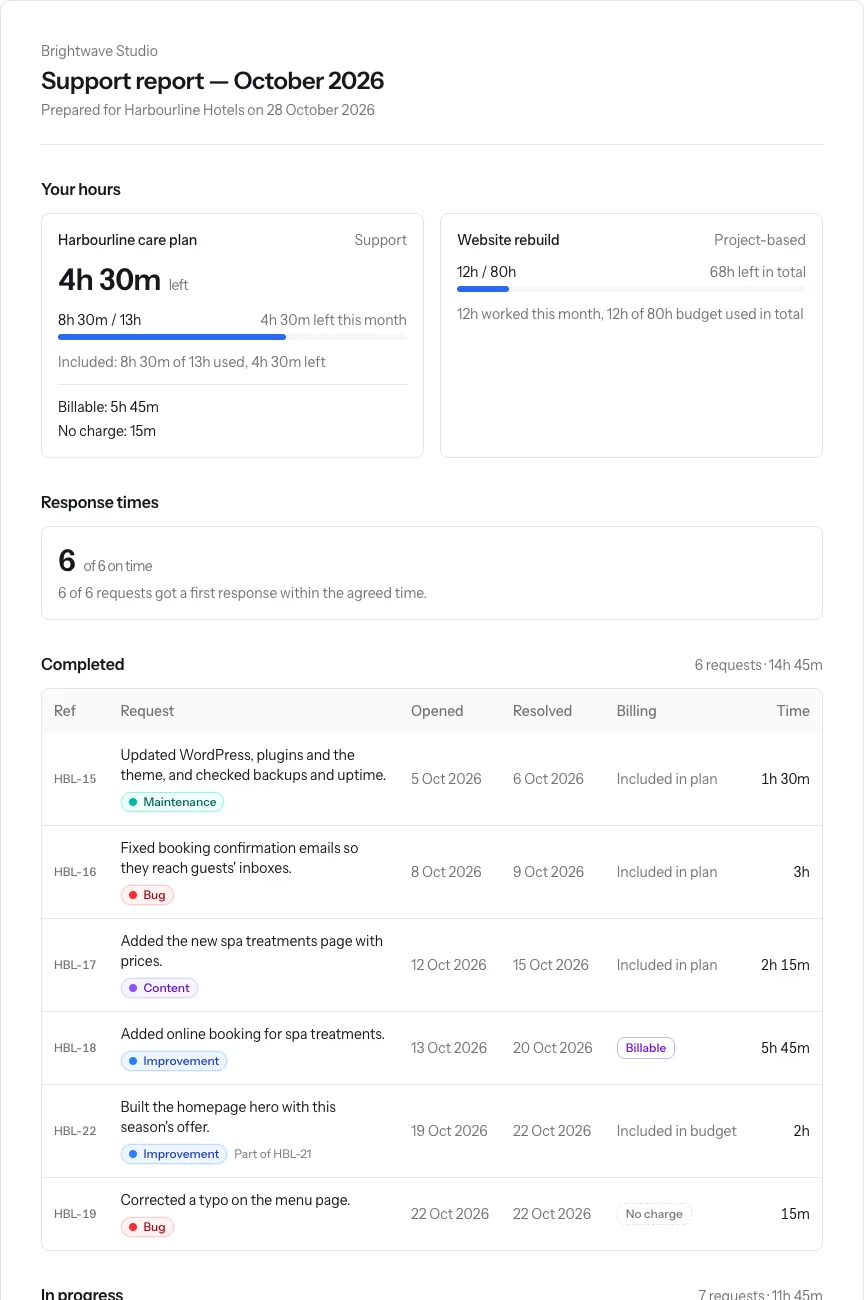
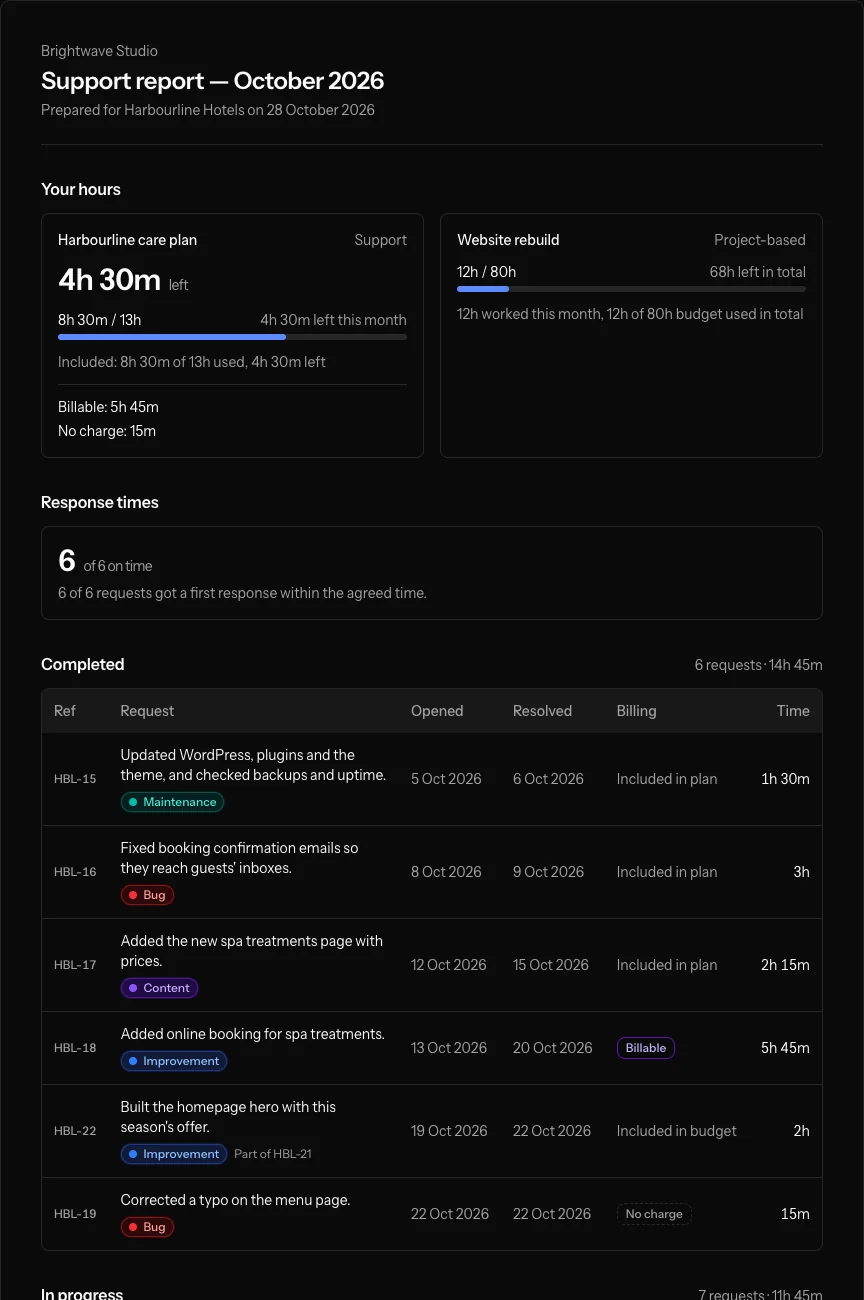
Every month, each client gets a report of the work you did and the hours it took: one plain-English line per ticket instead of your internal subject, the hours used and left, and what was included in their plan or billed on top.
How a report comes together
-
Write the line as you work
Give each ticket one plain-English line for the client, like "Fixed booking confirmation emails so they reach guests' inboxes." The report shows it instead of your subject. Bold, lists and links are there when they help.
-
Log time on the ticket
Each entry counts in the month it was worked, as included in the plan, billable on top, or no charge.
-
Send it at the end of the month
Email the report, with a note of your own if you like, to the client's contacts who should get it, or share their private link. Navbatly reminds you when a month's reports haven't gone out.
-
They read it, and ask for more
No sign-in. From the same link they can send you a new request and see what they still owe you.
What the report shows
-
Hours used and left
For each support plan, the hours available that month, used and left, with any rollover. For a project, the budget used so far.
-
Included and billable apart
Time included in the plan, billable on top and no charge are shown apart, so the bill never surprises anyone.
-
Completed and in progress
Work finished that month and work still going, each line with its hours for the month, and sub-tickets under their parent.
-
Response times
How many requests got a first reply within the agreed time, when the contract has response targets.
-
What the client owes
The client actions they delivered that month and those still outstanding, with the days each one waited.
-
Only what you choose
Never your internal subjects or notes, and only the labels you mark to show on reports.
Questions about client reports
Will my client see internal notes or ticket subjects?
No. The report shows the plain-English line you write for each ticket. Subjects, internal notes and replies stay inside Navbatly.
Can a client look back at earlier months?
Yes. Their private link has a month picker. A report you already sent keeps what was sent, even if time is changed later.
Who receives the email?
The client's contacts you mark to receive reports. You can also share the link with anyone at the client, or turn it off.
Can I get the numbers out for invoicing?
Yes. Export a month's hours by contract or every time entry as CSV, and print or save any report as a PDF.
What does the report say when a month runs over?
It shows the overage and what happened to it under the contract's terms: billed, carried into next month or written off. See hours that bill correctly.
Send a report your client actually reads
Create a team, add a client and log your first hours. The report builds itself from the work.