The request link
A client portal your clients never log in to
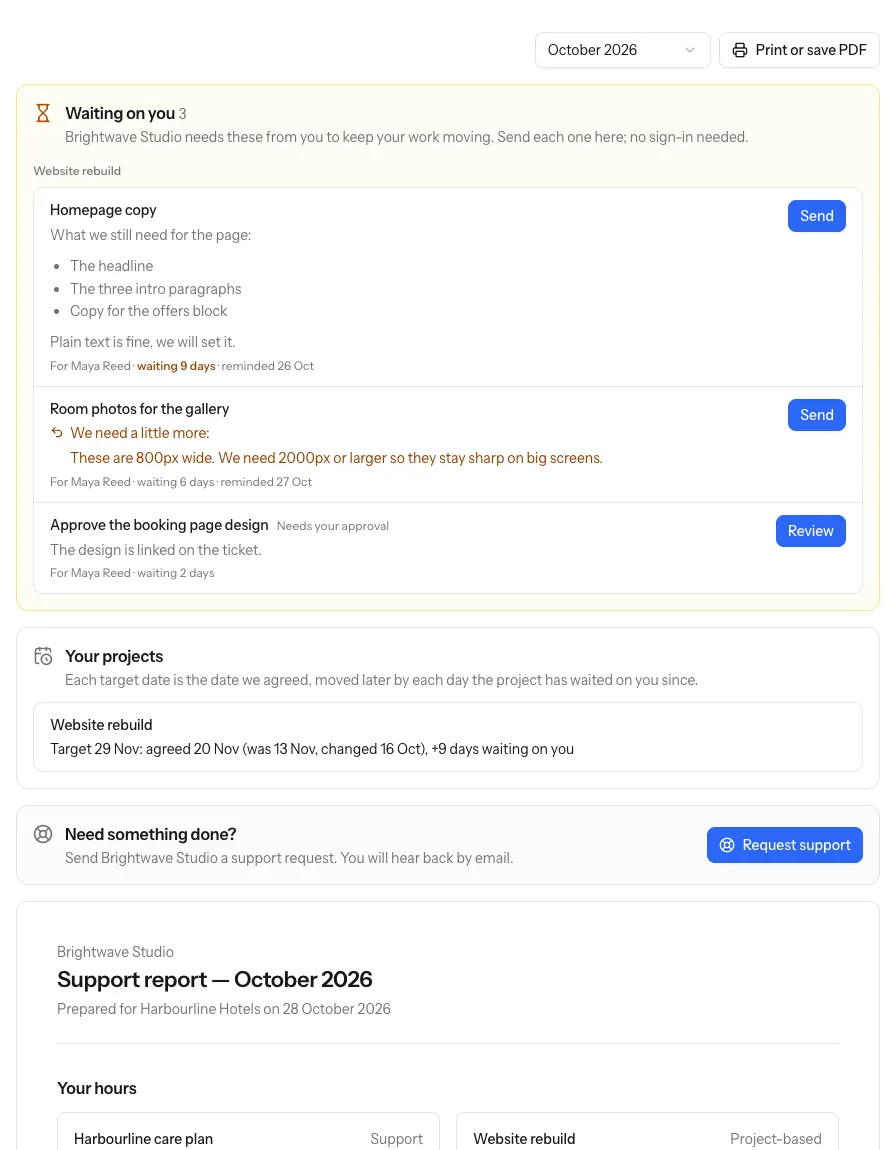
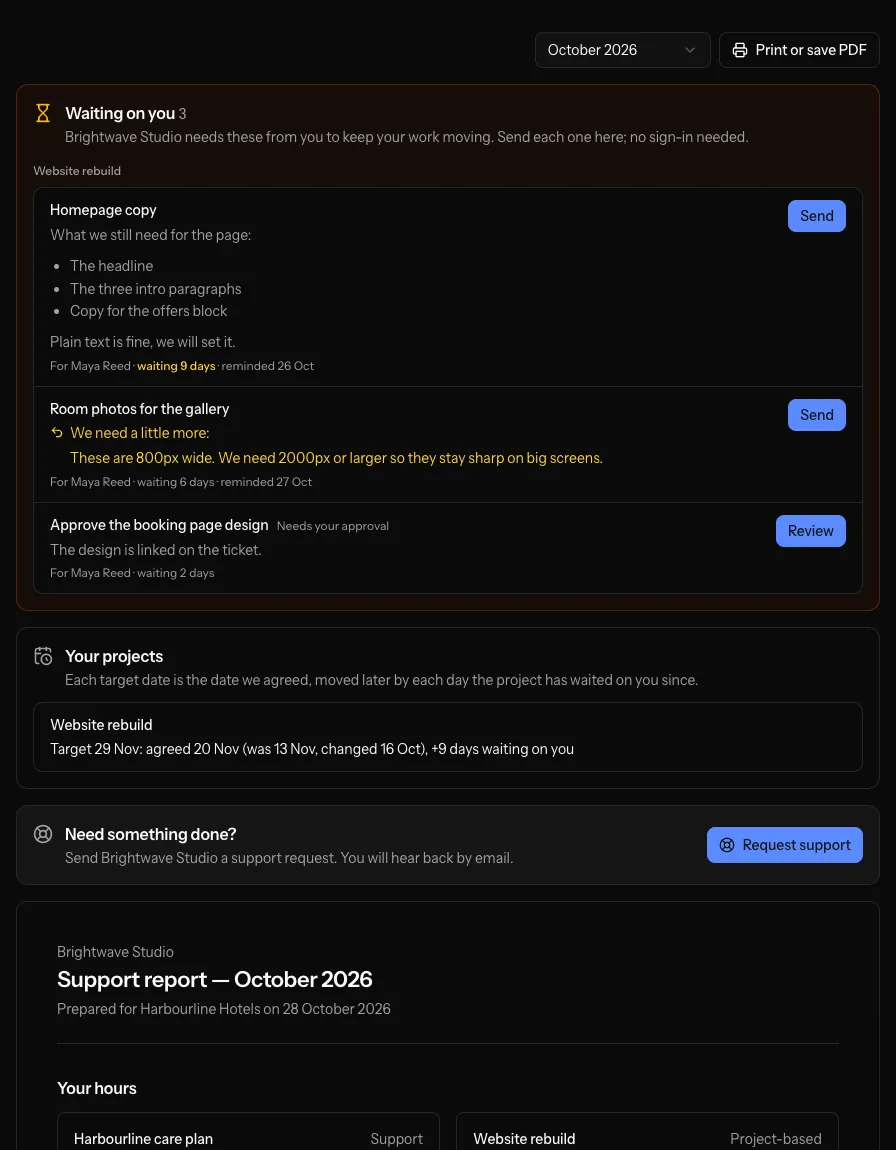
Each client gets one private link, the request link. From it they send you requests, deliver what you've asked them for and read their monthly report, without an account or a password.
How it works
-
Share the link
Turn on the client's link and send it to them, or let the first email that asks them for something carry it.
-
They open it
No account to create, no password to forget. It works on any device, so it gets used.
-
They ask, send and read
A new request, what you asked them for, or their report for any month, all from one page.
-
It lands in Navbatly
Requests arrive as new tickets on your New requests list, and deliveries land on the right ticket as the client's reply.
What clients can do from it
-
Send a request
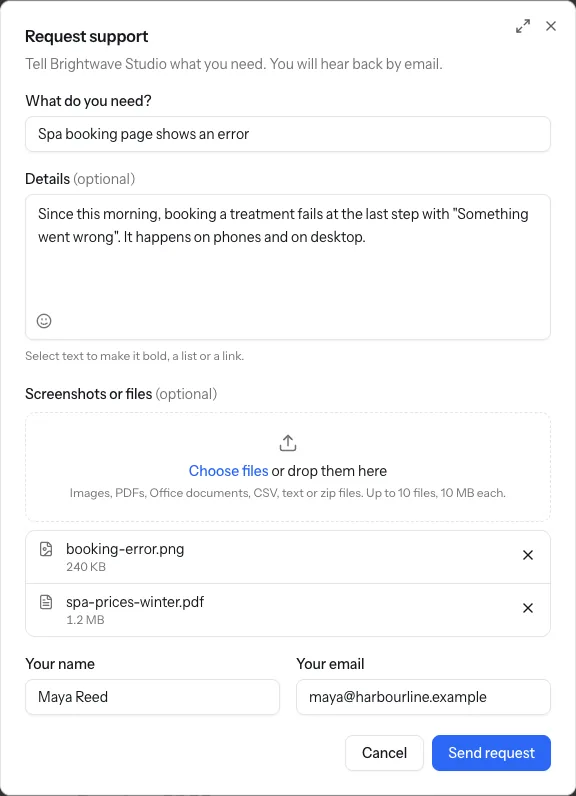
A short form for what they need, with basic formatting and up to 10 files dropped in. Your owners and admins hear about it straight away, and a client writing from an address you have on file gets an email to confirm it.
-
Deliver what they owe
Everything you asked them for, grouped by project: write a message and drop in files, or approve or ask for changes.
-
See their projects' dates
Each project's target date, the agreed date behind it, and every change to it.
-
Read their monthly report
Hours used and left, work completed and in progress, for this month or an earlier one. Print or save it as a PDF.
Requests, files and email
A request with everything attached
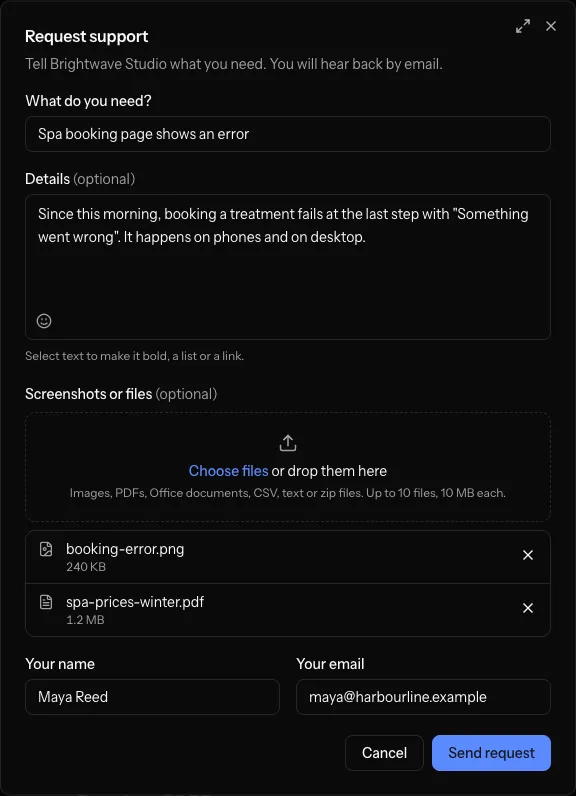
The Request support form takes a subject, the details with basic formatting, files and who to reply to. Files can be dragged in or picked from the device.
- Up to 10 files, each up to 10 MB: images, PDFs, Office documents, CSV, text or zip files
- Each file is checked as it's added, with the reason when one can't be sent
- Images show in the ticket's description; other files are linked from it
When a client would rather email
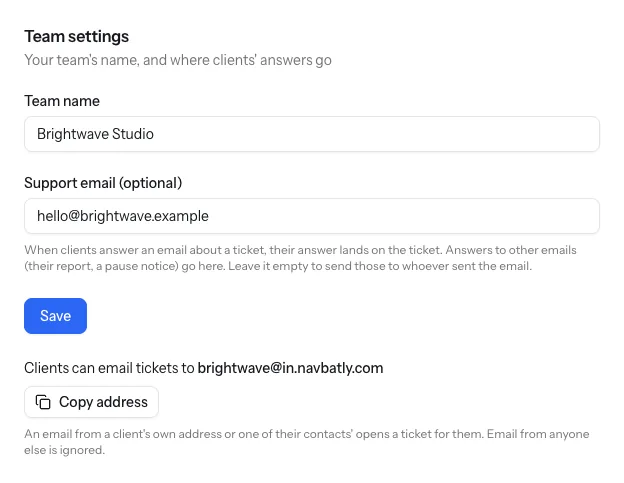
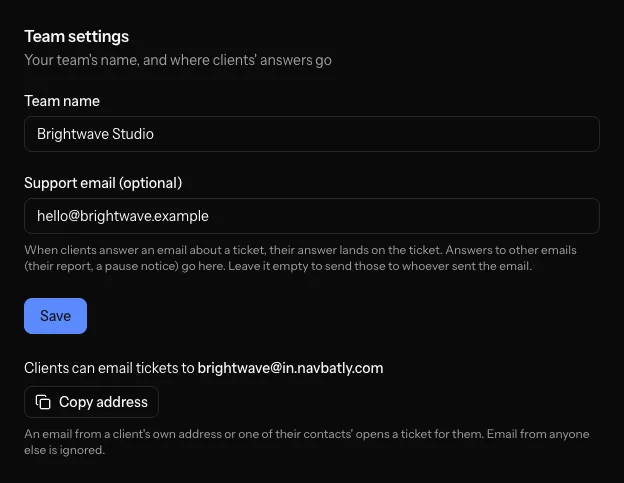
Give clients your team's ticket inbox. An email from one of their own addresses opens a ticket under their contract, files included, just as a request from the link does.
- Shown on your team's settings, with a button to copy it
- Only a client's own addresses can open a ticket there
- The new ticket waits on your New requests list, like a request from the link
Answers land on the ticket
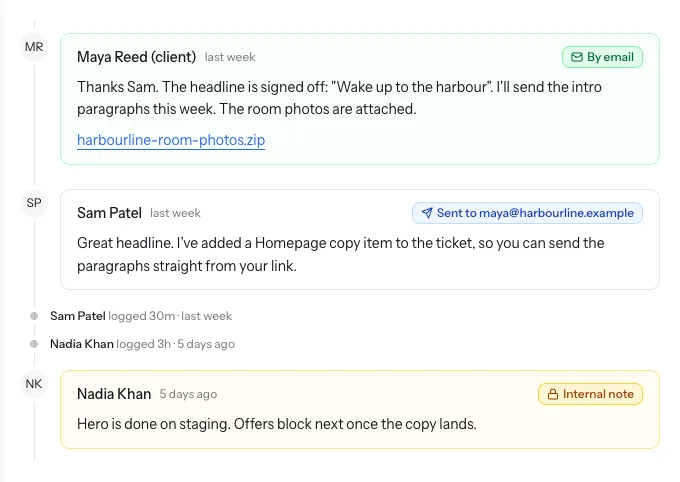
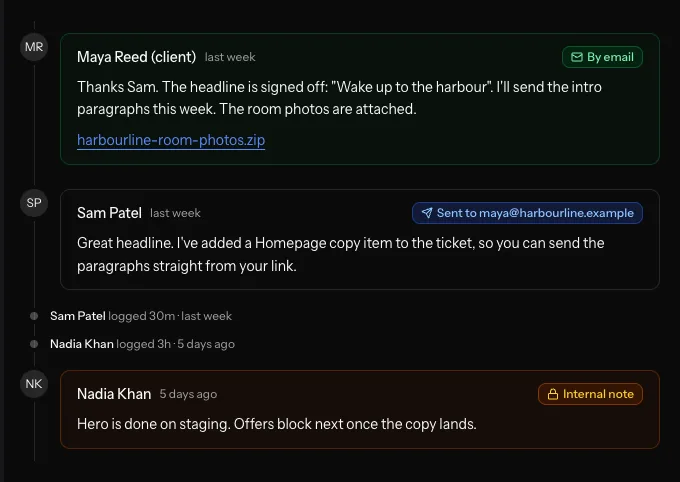
Every email you send a client about one ticket goes out with that ticket's own reply address, so their answer lands on the ticket as their reply, marked By email.
- Files attached to the answer come in with it
- The person who opened the ticket and its assignee are told
- An answer to a done ticket is still kept, and the ticket stays as it is
Private by design
-
Only their own client
A link shows one client's requests, actions and report, and nothing about your other clients or your team's notes.
-
Turn it off any time
Stop the link working with one click. Turning it on again gives the client a new link.
-
Limits on every link
Requests and deliveries on a link are rate limited, so a link that gets out can't flood your inbox.
Questions about the request link
What if a client forwards the link?
Anyone with the link can use it, which is what makes it easy. If it ends up somewhere it shouldn't, turn it off and share a new one.
Can clients still email us?
Yes. Clients can email your team's ticket inbox to open a ticket, and when they answer an email about one ticket, the answer lands on that ticket. A request that came by phone you can still log as a ticket yourself.
Can clients send files?
Yes. They can drop up to 10 files, each up to 10 MB, into a request or into what they deliver: images, PDFs, Office documents, CSV, text or zip files. Files attached to an email to your ticket inbox, or to an answer to a ticket's email, come in too.
Does the link show our agency name?
Yes. The page shows your team's name to the client.
Which contract does a request go to?
The client's current contract. You can move the ticket to another of their contracts later, and it keeps its history.
Give every client one link
Create a team, add a client and turn on their link. They can send their first request today.