Tickets, hours and monthly reports for client work
Navbatly is the support desk for web agencies and freelancers. Log every request as a ticket, count hours against each client's contract, send a monthly report they can read, and always know who has the ball.
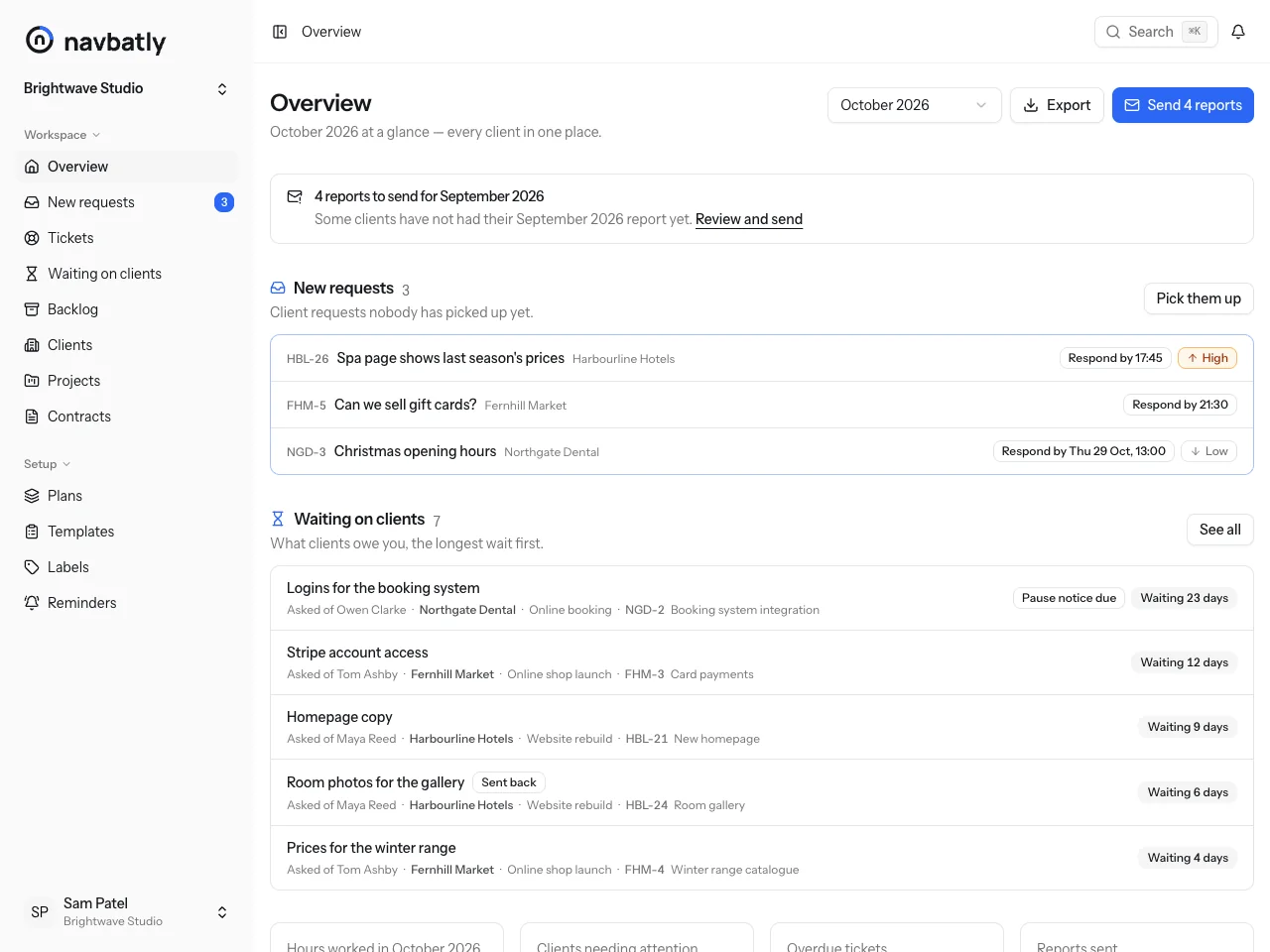
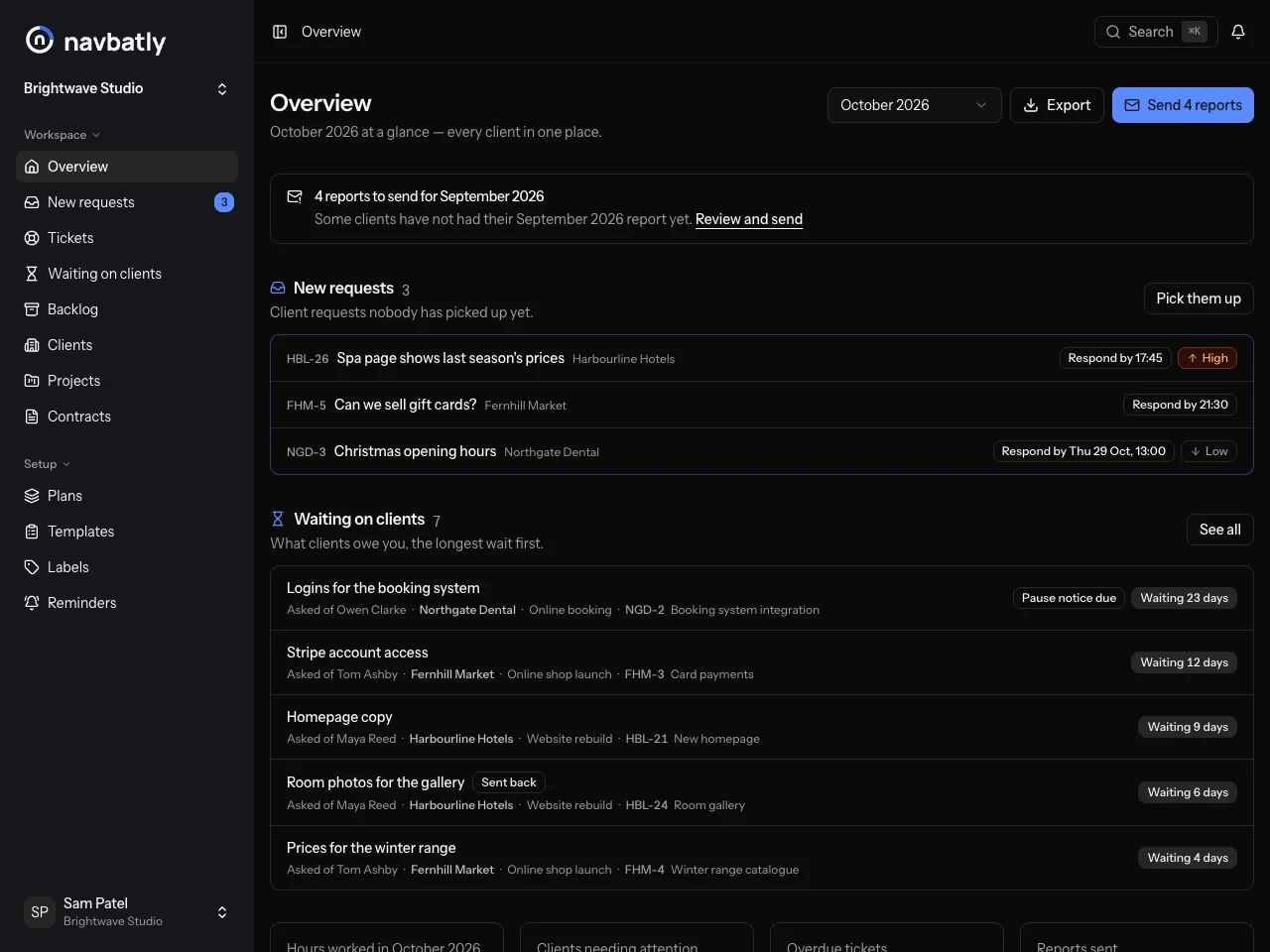
What Navbatly does
-
Tickets per client
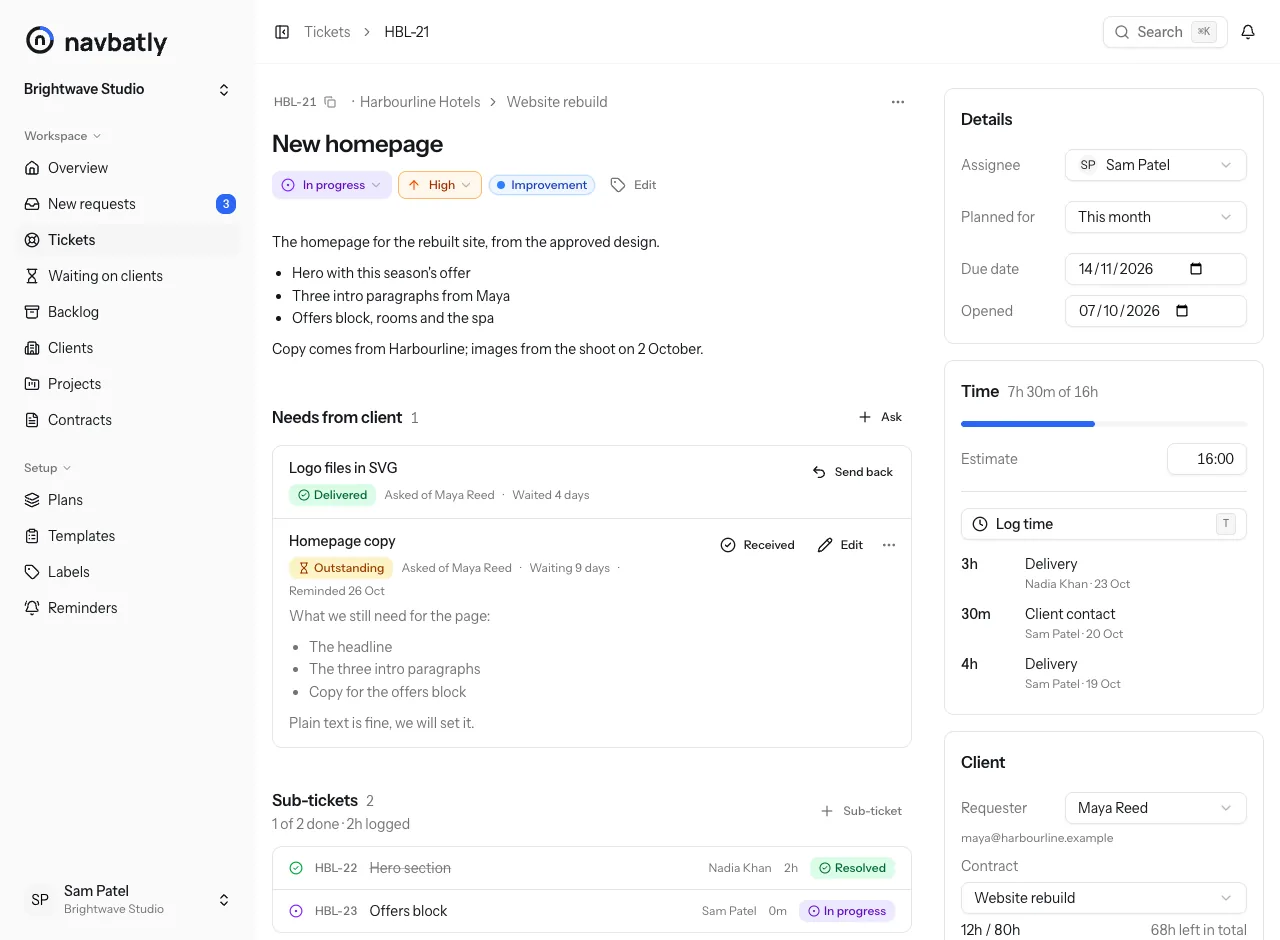
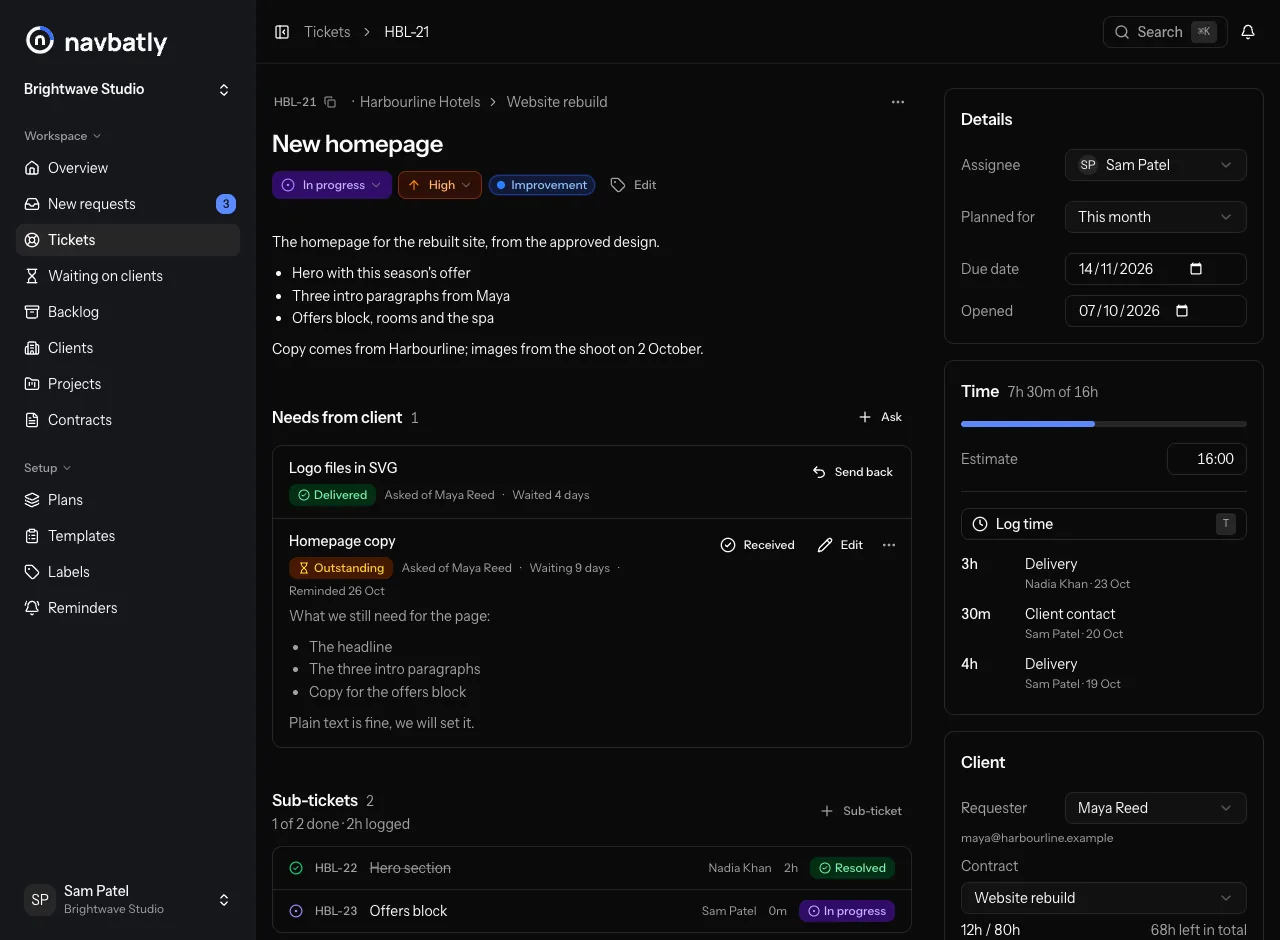
Every request becomes a ticket numbered per client, like HBL-12, whether it came from the client's link or by email, with replies, internal notes, sub-tickets and files.
-
Hours that bill correctly
Monthly allowances with rollover and overage, project budgets and hourly work, each hour counted in the month it was worked.
-
A report your client can read
One plain-English line per ticket, the work completed and in progress, and the hours used and left.
-
Client Clock
What you need from the client sits on the ticket with its own clock, so everyone can see who has the ball.
Who has the ball? Now everyone knows.
Most late projects are waiting on the client, not on you. Client Clock writes that down as it happens, and shows your client the same count you see.
-
Ask on the ticket
Add what you need from the client: copy, files, access or an approval, asked of one person there. They get an email with a link to send it, and the clock starts.
-
They send it from their link
Your client opens their private request link, with no sign-in, and sends a message or files, or approves or asks for changes. The clock stops and your team hears about it.
-
Not enough? Send it back
Send it back with a note and the clock runs again, adding to the same days waited.
-
Dates move with the wait
Give a project an agreed date and Navbatly shows its target date: the agreed date moved later by each day the project has waited on the client since.
Client Clock from your client's side
What your client sees
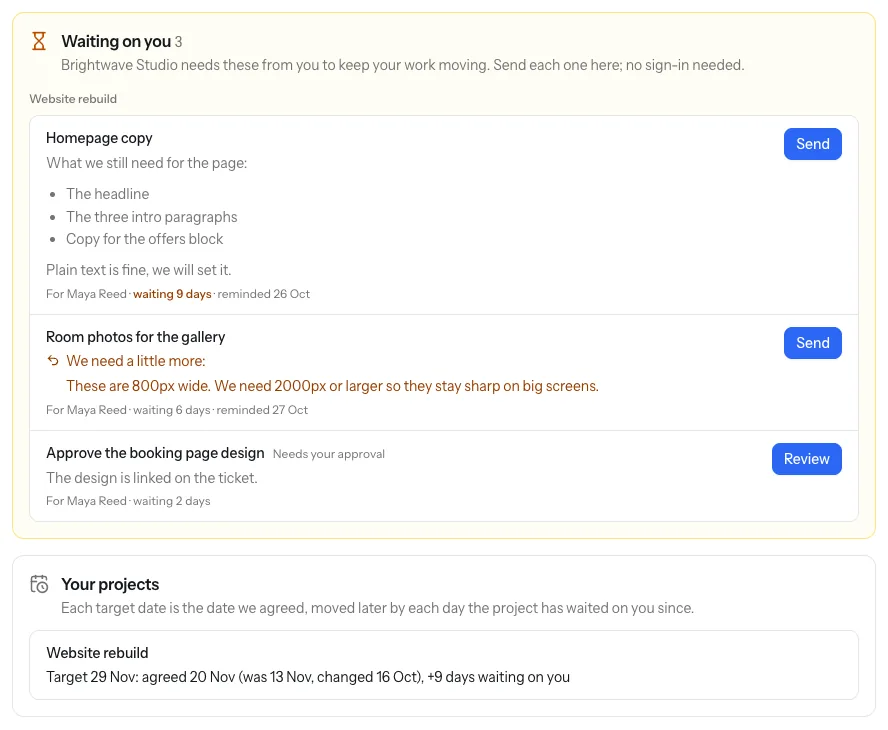
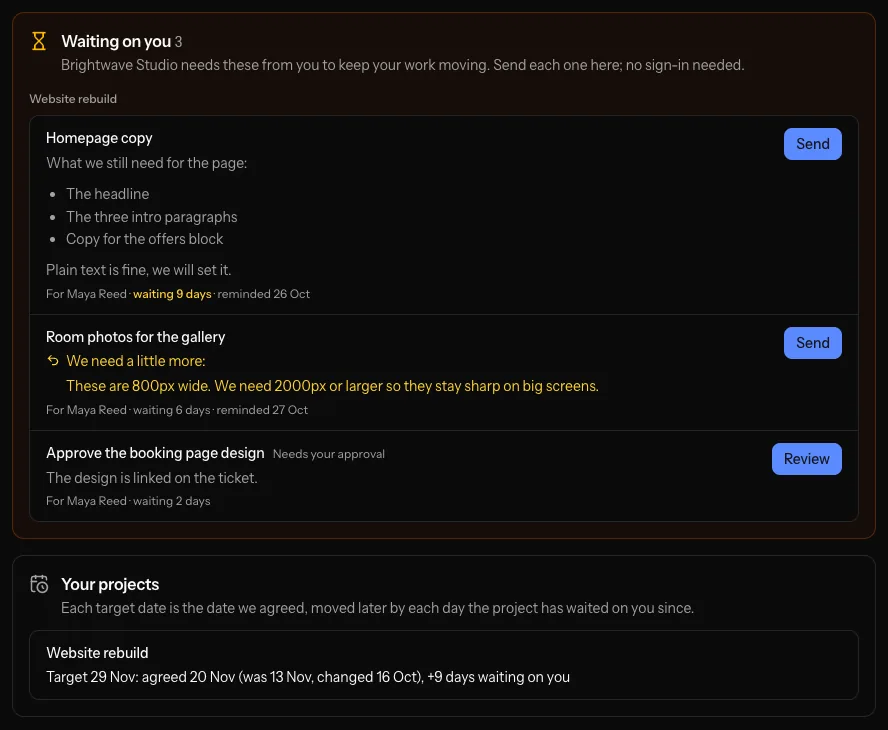
Their private link lists everything they owe you and each project's target date. Nothing to install, no password to forget.
- Everything they owe you, grouped by project, with the days each one has waited
- A Send or Review button on each, with no account to create
- Each project's target date, and every change to its agreed date
It keeps going without you
-
Reminders
On your team's reminder days, 3, 7 and 14 to start with, Navbatly emails each person a list of everything they still owe.
-
Pause notice
Once a project has waited 21 days, Navbatly suggests a pause notice. You edit it and decide whether to send it.
-
Waiting on clients
One list of everything your clients owe you, longest wait first, and a card on your overview.
-
On the monthly report
Each client's report lists what they delivered that month and what is still outstanding, with the days waited.
Built around how you sell your time
Each client has one or more contracts, and every hour you log counts against the right one.
-
Support plans
Monthly hours, with unused hours rolling over if you want them to. You decide what happens to overage: show it, bill it, carry it into next month or write it off.
-
Project budgets
A budget of hours for a fixed piece of work, with the hours left always on show to you and to the client.
-
Task work
Hourly work for clients without a plan, billed for the time it takes. Freelancers start here: New project adds the client, the project and an hourly contract in one step.
How Navbatly works day to day
Every request gets a number
Requests become tickets numbered per client, like HBL-12, so you and your client always mean the same thing. Reply to the client by email, and their answer comes back to the same ticket, beside your internal notes.
- Statuses from open to in testing, waiting on client and resolved
- Sub-tickets for the parts of a bigger request
- @-mention a teammate, or link another ticket by its number
Every ticket on one list
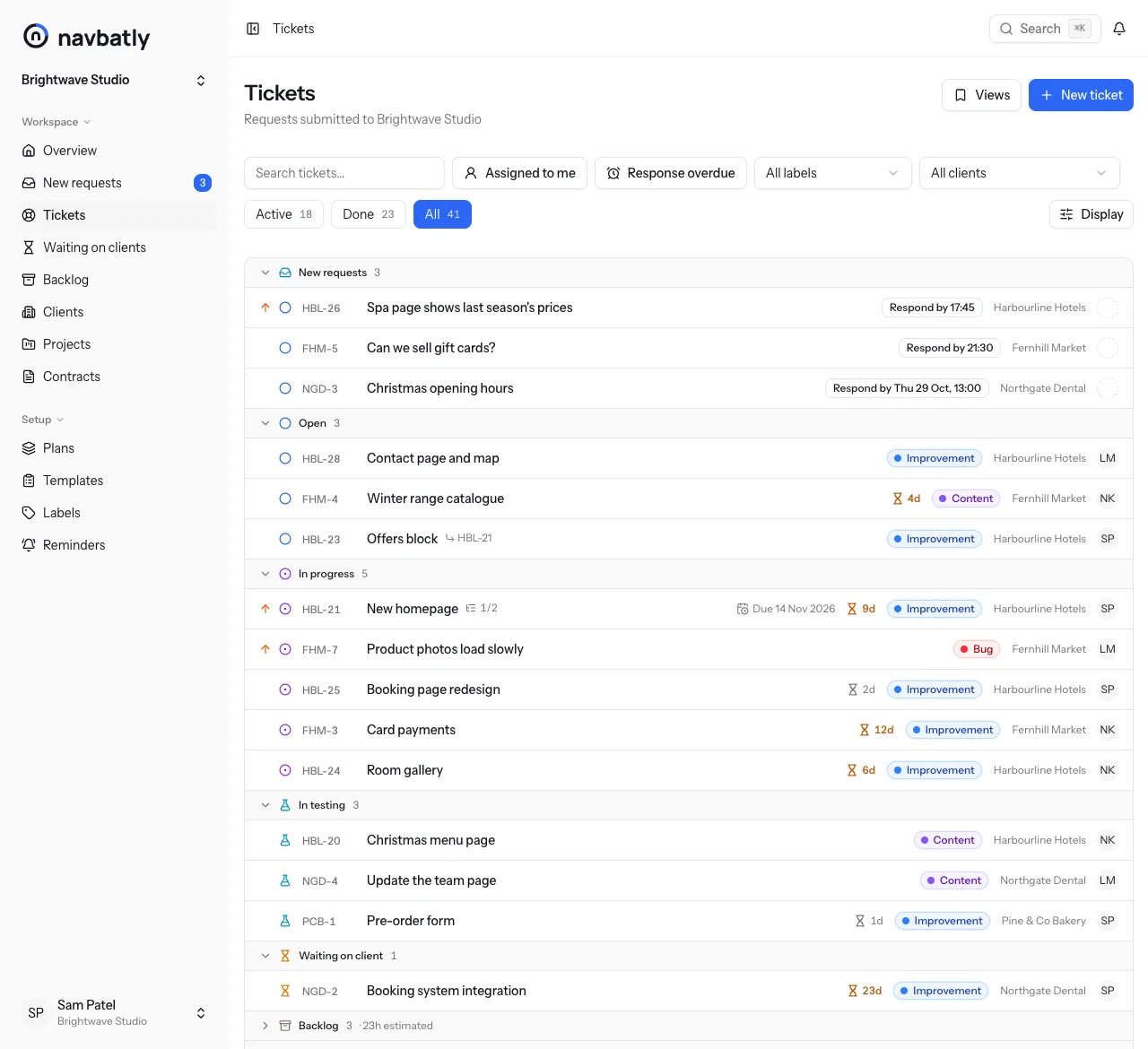
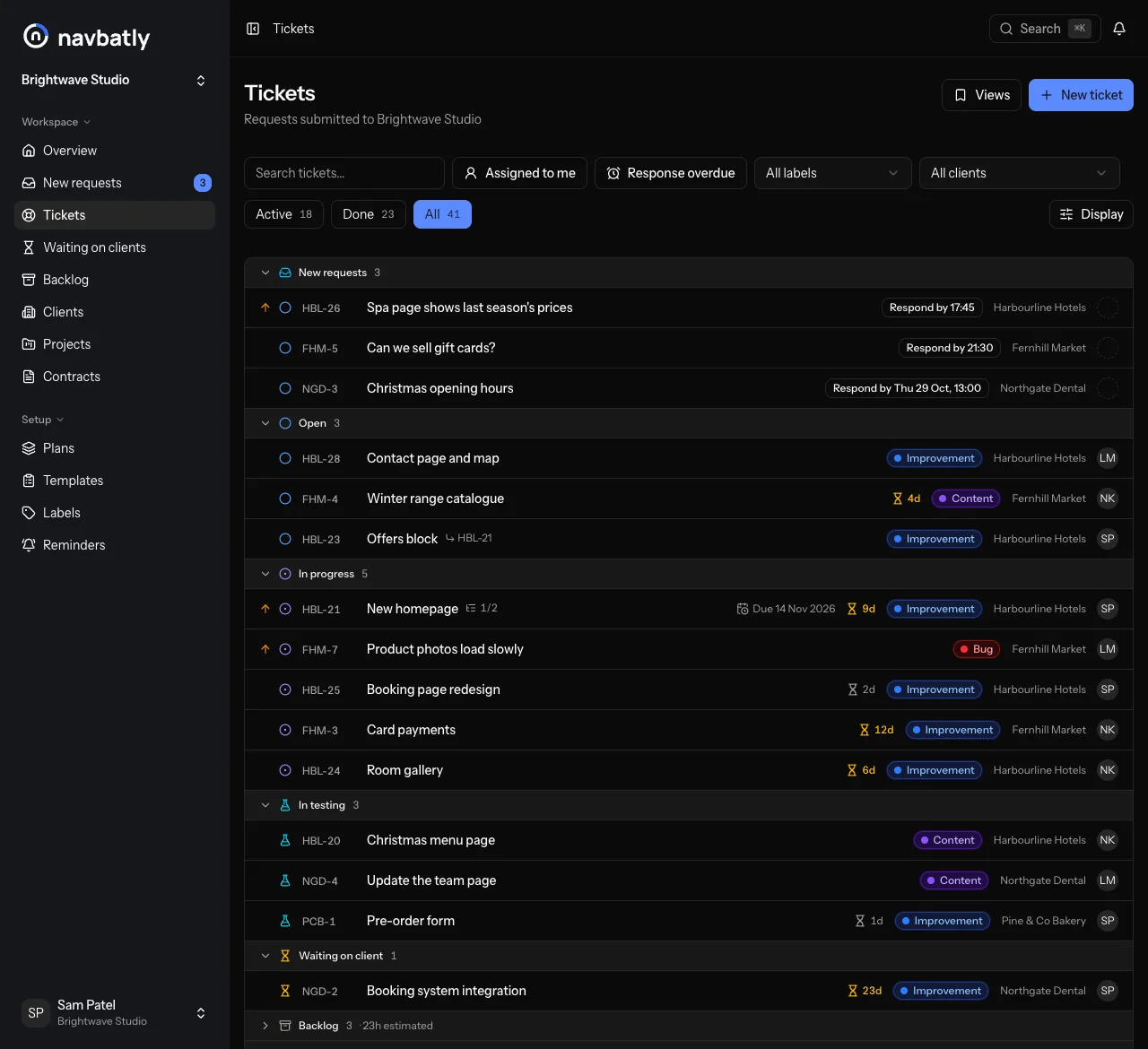
The ticket list leads with new requests, then each active status, with the backlog folded after them and done tickets last. Each ticket takes one line and shows only what needs attention.
- An hourglass with the days a ticket has waited on the client
- When the first reply is due, the due date, and time logged over the estimate
- Group by project or change the order from the Display menu
Time that adds up the way you bill
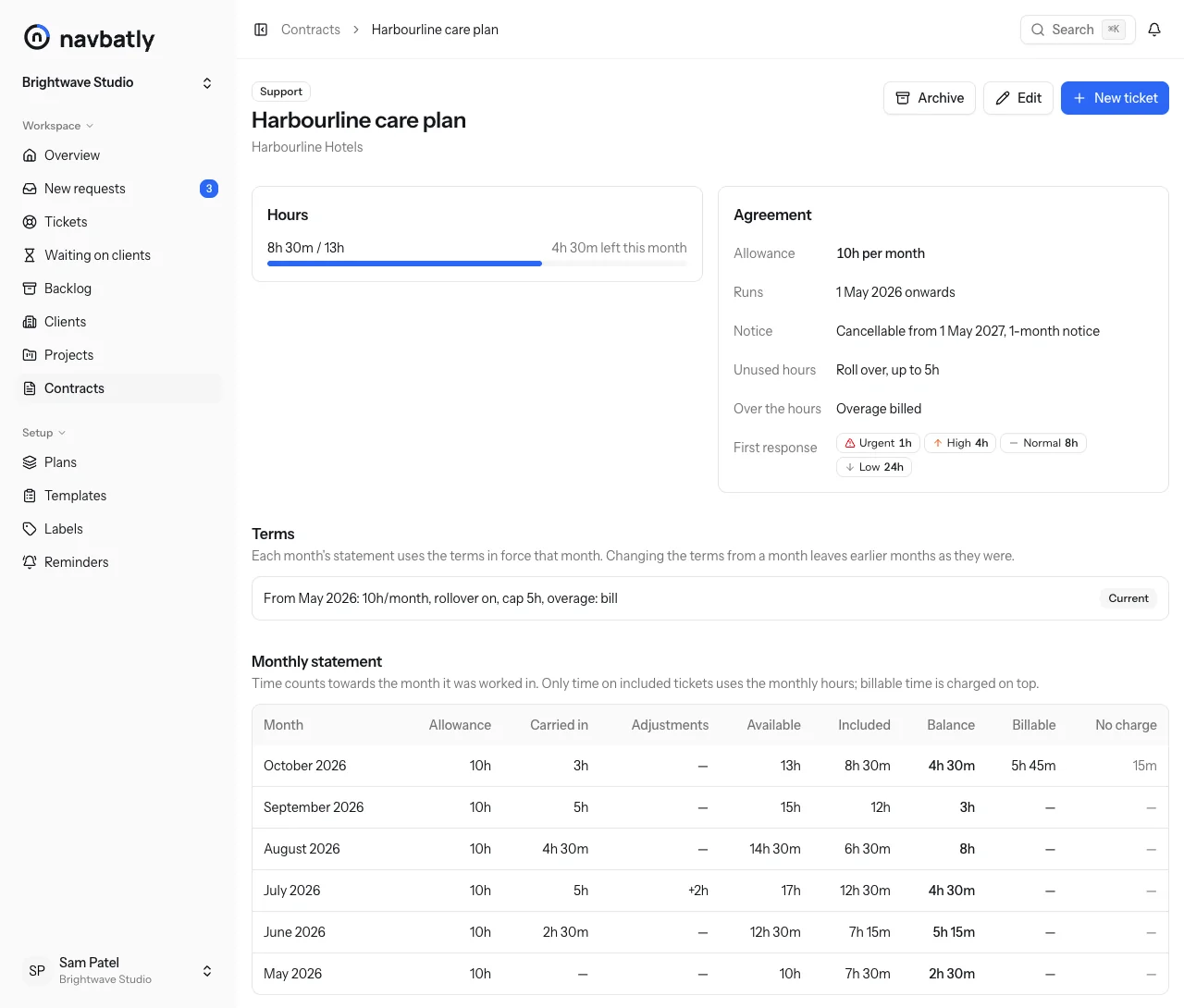
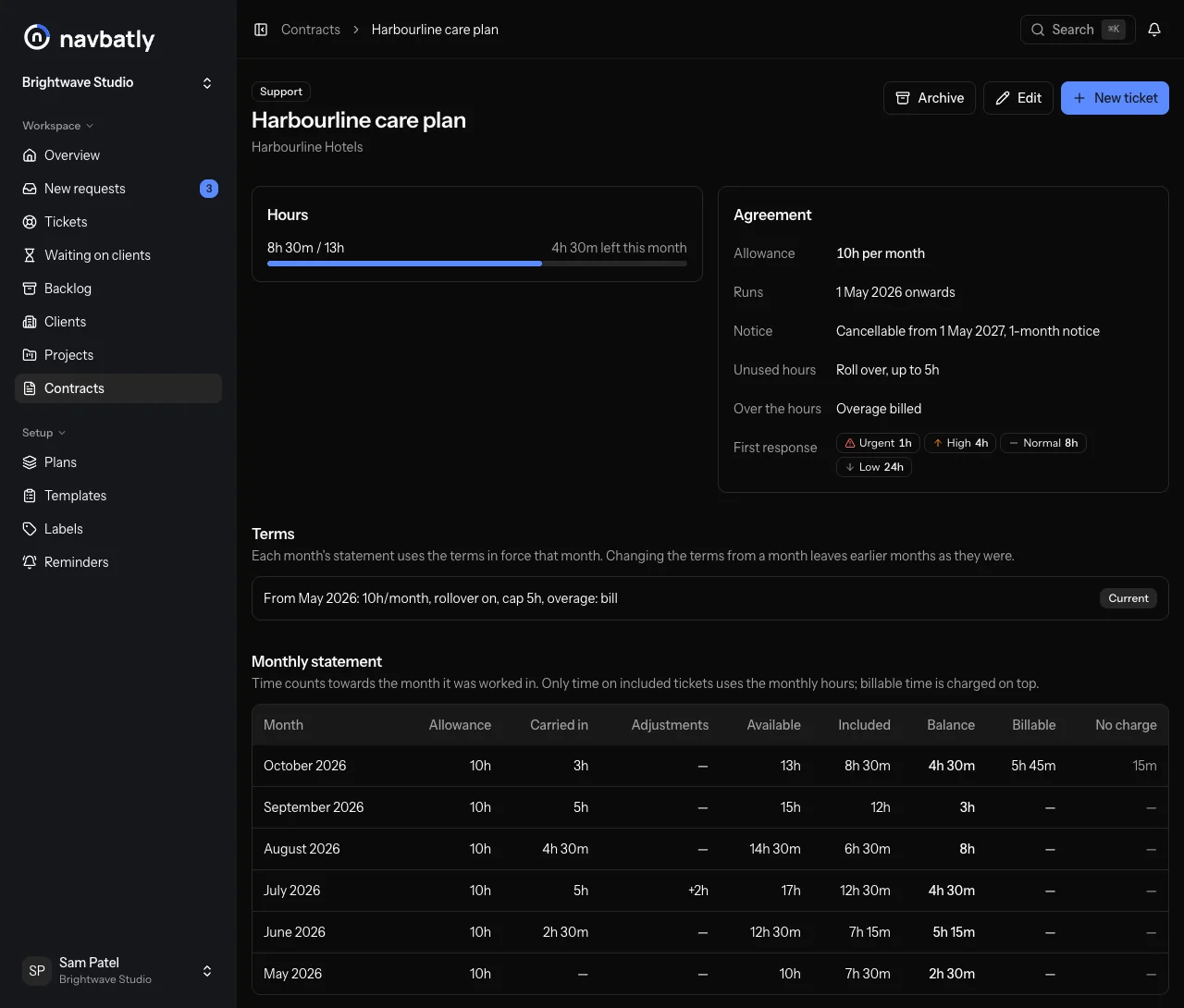
Log time as client contact or delivery. Each entry counts in the month it was worked, as included in the plan, billable on top, or no charge, so every month's balance is right.
- Rollover with an optional cap
- Terms can change from a month on without rewriting earlier months
- Export a month's hours and time entries as CSV
A monthly report your client can read
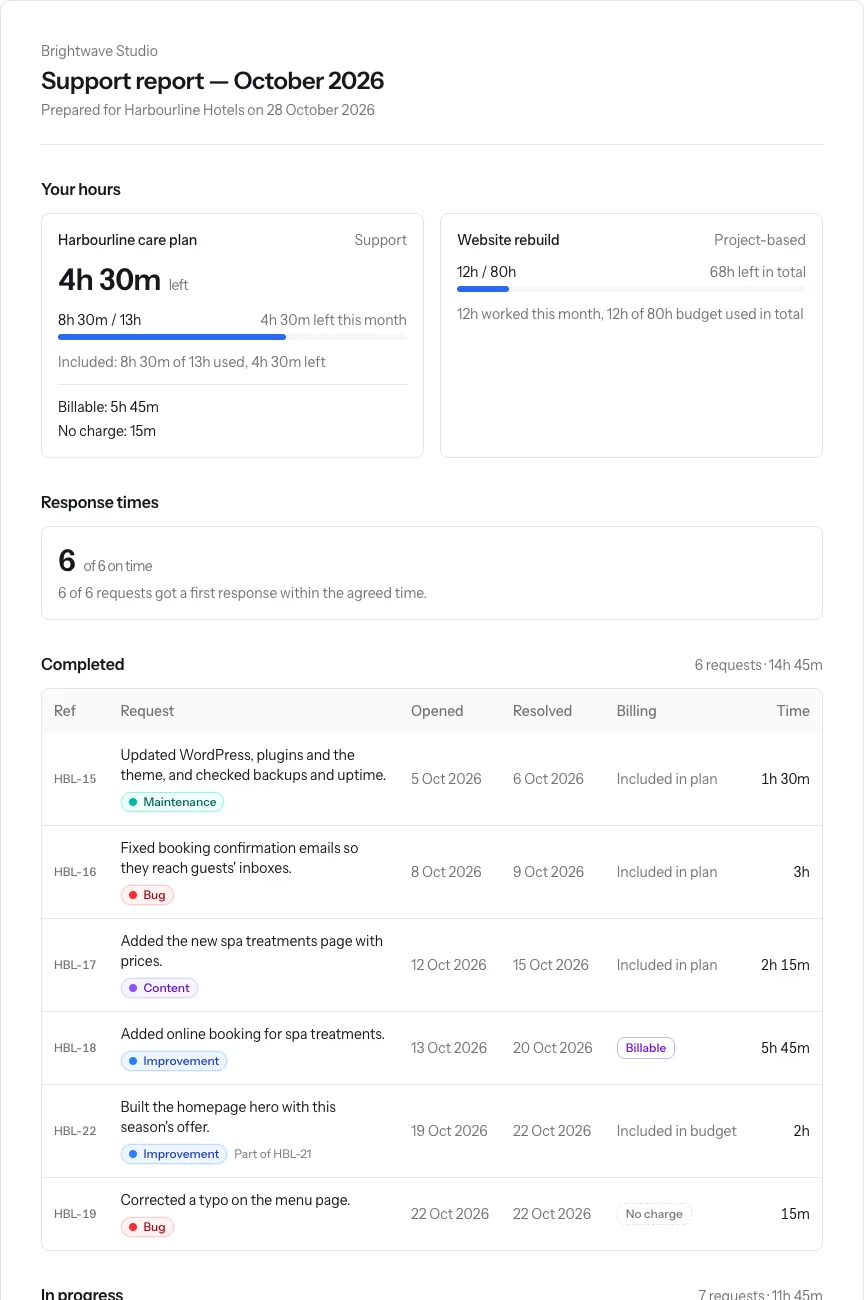
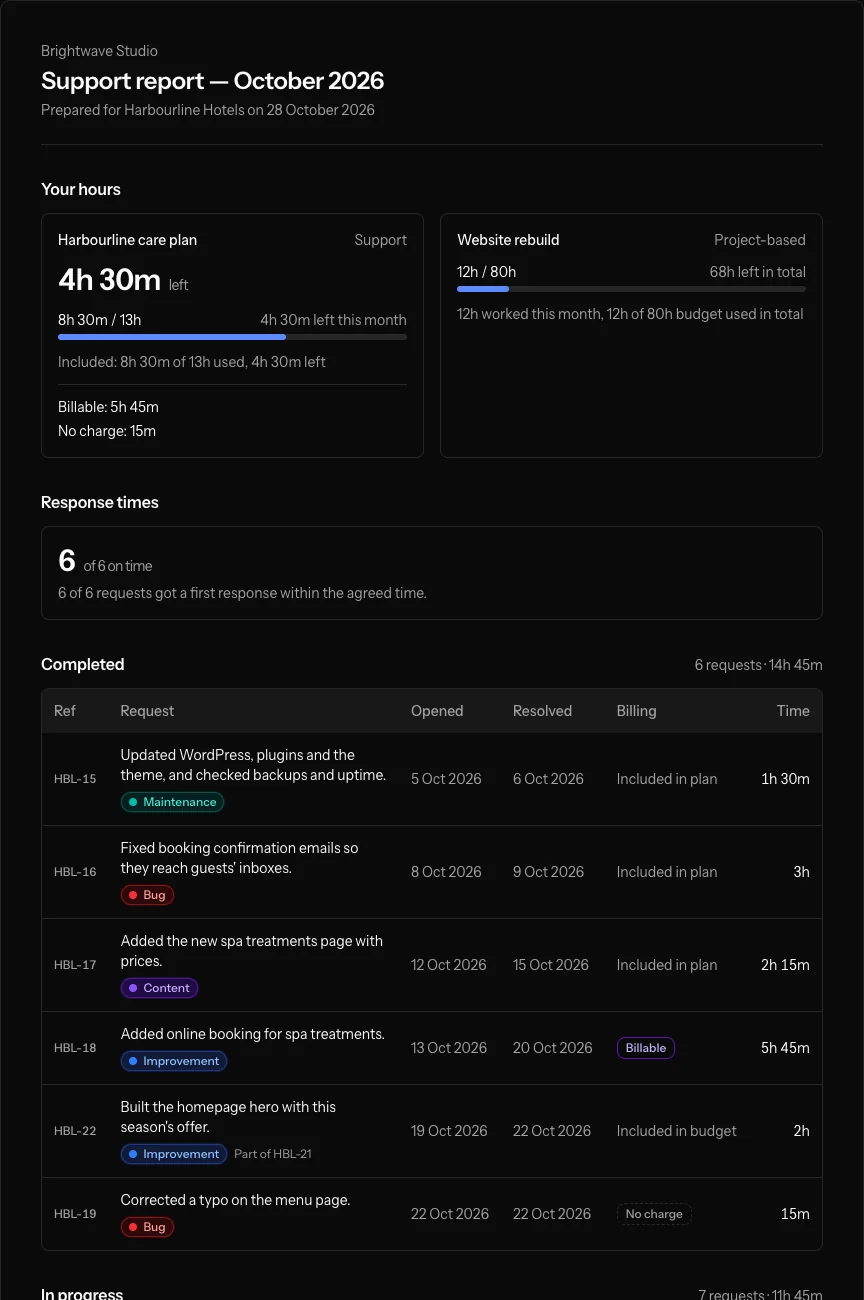
Write one plain-English line on each ticket. The report shows that line instead of your internal subject, split into work completed that month and work in progress, with the hours for each.
- Email it to the client's contacts, or share a private link
- No sign-in for clients, and they can raise a new request from it
- Navbatly reminds you when a month's reports haven't gone out
Reply first, plan the rest
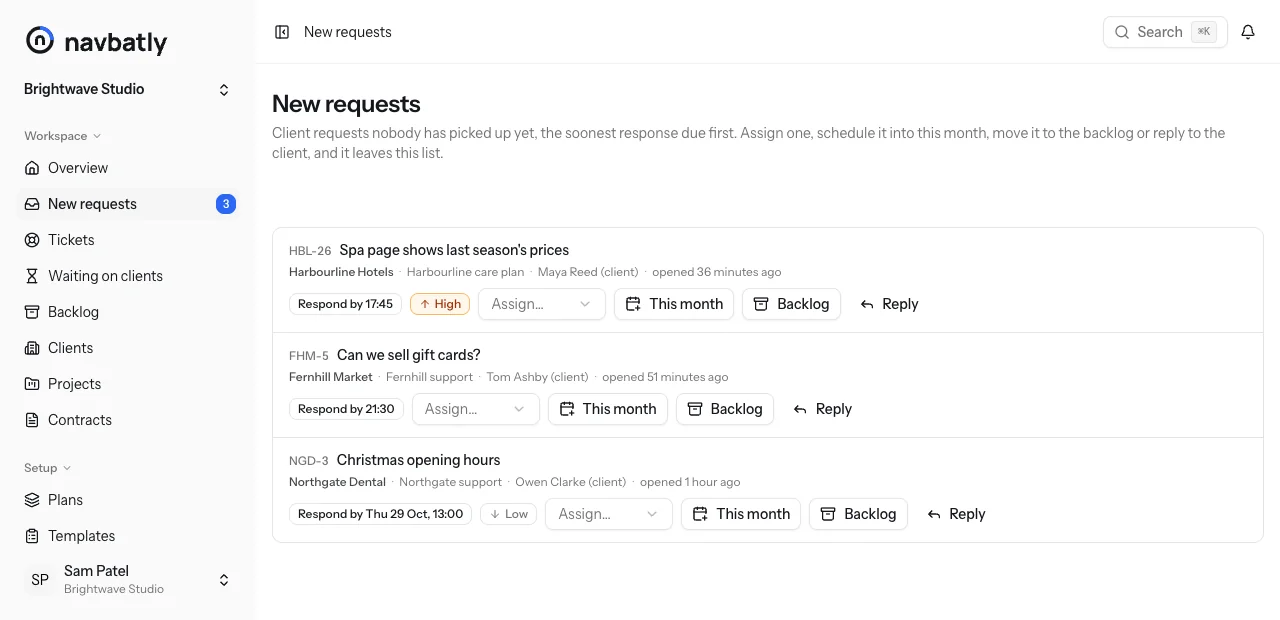
New client requests wait in one list until someone assigns, answers or schedules them. Set a first-response target per priority, and Navbatly warns you before a reply is due and again if it's late.
- Response targets per contract, copied from your plans
- A backlog for later work, with estimates that never count against the client's hours
- Due and overdue tickets on the overview
The routine, handled
The small jobs that keep a support desk running, without anyone having to remember them.
-
Recurring tickets
Updates, checks and renewals open on their own, monthly, quarterly or yearly, from your ticket templates.
-
Grouped email updates
Changes to your tickets arrive as a single summary per person instead of an email for every change.
-
Mentions
Mention a teammate to bring them in. They hear about it straight away.
-
Response alerts
A warning before a first reply is due, and a notice if it's overdue.
-
Teams and roles
Owners, admins and members. Admins run clients, contracts and reports; members work tickets.
-
Secure sign-in
Sign in with a passkey, or add two-factor authentication to your password.
Works with your AI assistant
Navbatly has an MCP server, so an assistant such as Claude can work with your tickets. Connect it, sign in, and it can find and update tickets, log time, ask clients for what you need and pull a client's report for the teams you're on, following the same rules as the app.
- What's still waiting on clients, longest first?
- Ask Maya at Harbourline for the homepage copy on HBL-21.
- Log 45 minutes of delivery on HBL-24 for yesterday.
- Write a plain-English summary for each ticket we resolved in October.
Up and running in an afternoon
-
Create your team
Sign up, then invite colleagues by email as admins or members. Working alone? The team is just you.
-
Add a client
Freelancers start with New project: one step adds the client, their project and an hourly contract. Agencies add contracts from their plans.
-
Work the tickets
Log requests, reply to clients, log time, and ask the client for what you need.
-
Send the reports
At the end of the month, send each client their report or share its link.
Bring your client work into one place
Create a team and add your first client in a few minutes. Questions first? Ask for a walkthrough by email.